Desertcart purchases this item on your behalf and handles shipping, customs, and support to Honduras.
🎯 Stick to Success with Avery’s Pro-Grade Round Labels!
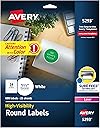
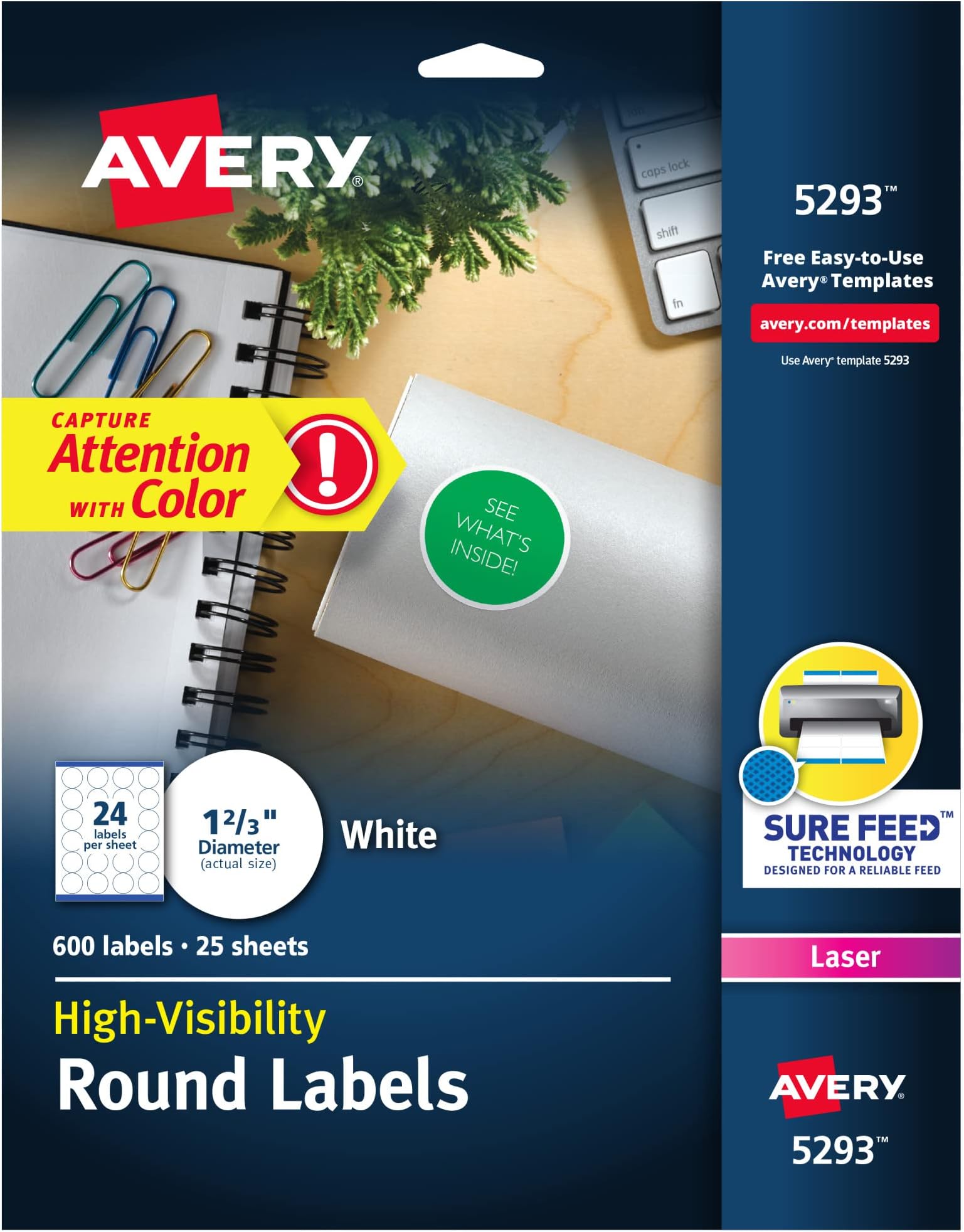
Avery® Round Printable Labels (1-2/3" diameter) feature a matte white finish that makes colors and text pop, backed by Sure Feed® technology for reliable, jam-free printing on laser and inkjet printers. With 600 labels per pack, these versatile, durable stickers are perfect for branding, organizing, and personalizing projects with professional results every time.

| ASIN | B00007M5LB |
| Best Sellers Rank | #6,705 in Office Products ( See Top 100 in Office Products ) #56 in Laser & Inkjet Printer Labels |
| Brand | Avery |
| Brand Name | Avery |
| Color | White |
| Customer Reviews | 4.8 out of 5 stars 4,478 Reviews |
| Finish Type | Brushed |
| Global Trade Identification Number | 00072782052935 |
| Included Components | NO-VALUE |
| Ink Color | White |
| Item Shape | Round |
| Item Type Name | Labels |
| Item Weight | 10.4 ounces |
| Line Size | Fine |
| Manufacturer | Avery |
| Manufacturer Part Number | 5293 |
| Material | Blend |
| Material Type | Blend |
| Model Number | AVE5293 |
| Number of Items | 600 |
| Number of Labels | 600 |
| Number of Packs | 1 |
| Pattern | Labels |
| Shape | Round |
| Size | 1 2/3" diameter |
| Style | 600 labels |
| UPC | 072782052935 |
| Unit Count | 600 Count |
| Warranty Description | No |
T**S
Easy to Use Labels
These Avery high-visibility round labels really stand out, making them perfect for organizing and marking items clearly. The adhesive is strong enough to stick well on a variety of surfaces, including paper, plastic, and metal, without peeling or smudging. The bright colors grab attention immediately, which is great for labeling important files and packages. They print cleanly and precisely with my standard printer, and the sheets are easy to separate. Overall, these labels have made my organization tasks much easier and more efficient.
D**N
All around excellent - Easy-to-setup and perfect size
These labels worked perfectly for creating custom stickers to put on chocolates for Halloween. Each sticker size was 1 2/3" in diameter and 24 on a page for a total of 600 sticker labels. What I like about these sheets are they have never gotten stuck in my printer, they peel easily, print well, and my favorite feature is that you can download a template for the labels in several different formats just by searching for the label number on their website. The template is a major time saver and made it very easy to place the sticker design on the page. The stickers turned out great and fit perfectly on the chocolates. Overall I was very pleased with this product. The labels were the size I needed and also more than enough for my Halloween candy. Having the access to the label template is what sealed the deal for me. I highly recommend this product if you are looking to create your own custom labels or stickers. Therefore I rate this product a five out of five stars. Hope you liked this review and let me know if it helped you out.
T**O
Overall, if Avery is an option, I STICK with Avery.
As always, Avery labels are exactly what I needed. I never have to pay for some subscription to design, download, and EASILY print them. No creative maneuvering when printing in order for them to line up properly. Print quality is excellent. Adhesion superb. Overall, if Avery is an option, I STICK with Avery. (Please use that as an advertising slogan...)
A**S
Love These Things
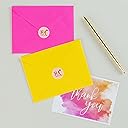
The fact that Avery has put the templates online and given us access to design software on their website makes ALL the difference. I mean it really makes their labels a lot more useful and easy to get professional looking results. (So much better than the bad old days.) What platform you use and what operating system you are running doesn't matter one bit. And the reason is that the software is on the Avery site. So if you can use the internet you can use these labels. I have a Mac and a PC and it works with both. How it works is that there's a number on the package. You go to the Avery website and type in that number and that brings up the correct template. The design software is online. You can upload images and add text or use some of there default designs. You can create an account and save your design at Avery or you can download the template. You do not download the software, but you don't need to. Over the Holidays I used rectangular Avery labels to make Christmas Labels for packages. Avery had stock Christmas images and all I did was choose one for a sheet and then added the names of the kids. Once you create your basic sheet you can individually edit each circle if you want to. OR you can print out just one circle. I guess if you do that you'd want to start from the bottom so that the paper would feed correctly in the future. I'm using these round labels for shipping. I uploaded my mom-logo and "thank you" wording and got professional results. The semi-circular wording was made by just clicking on an icon. Easy-peasy. These can be used on storage plastics and jar tops. I put them on envelops and packages. Recommend.
M**S
Great for Everyone!
This is one of those products that doesn’t look exciting… until you realize it’s doing so much heavy lifting behind the scenes of your life. As someone who juggles projects, random ideas, “I’ll organize this later” piles, and the occasional attempt at having my life together—these labels are a quiet MVP. They’re simple, clean, and ridiculously versatile. You can use for a variety of things! And the best part? They just… work. No drama. No peeling rebellion. No “why is this crooked and ruining my entire mood.” Just solid, dependable labels that stick where they’re supposed to and print cleanly. These kinds of blank, customizable labels are designed for everything from mailing to general organization, which is exactly why they’re so useful across both school and business settings for sure. There’s something deeply satisfying about grabbing a label and instantly making something look more organized, more official, more intentional.
D**R
Using for Aerogarden spacer and seed pod labels
After my destructive little chiweenie chewed up two of my new Aerogarden seed pod kits, I was looking for a way to replace them less expensively than buying all-new pod kits. I got the sponges in a 50-pack, but I read that you have to IRON on the labels—I don't even own an iron—and I wanted something that I could at least stick on those plastic pods that now (post-Bingo) have no ends to hold the sponges in so I can use them as spacers. There needs to be a cover on these pods so light doesn't get to the water and cause algae growth. This 1-2/3" diameter label size is about as close as I could get to the Aerogarden labels—and I can print information on them! Planting and germination date, height and type of plant...there was room to code all of that information on the label. (I output a PDF of the 5293 template, then set up the labels in Affinity Designer.) I have three 7-pod Aerogardens and one 3-pod, so 3x7+3=24, exactly how many labels are on one sheet. I can print out a growing season's worth of labels without waste. These labels are a tiny bit smaller in diameter than the Aerogarden labels, but they are still big enough to stick down on the outer edges of the pods. I bought an EZ Tools 3/8" circle punch (1/2" size would have been better) to punch holes in the center of the labels to allow me to cut slits like the labels should have to allow the widening trunk of the growing plant to push the opening wider. Now I just have to figure out the most efficient way of reducing the stickiness on the parts of the labels that face down toward the plant, exposed to air, so the seedlings don't stick to them. Seeds can be pretty aggressive little things, however, so this may be unnecessary. It may be I could just stick a 1" diameter label to the sticky side or use a 1" circle punch to cut out a stack of tissue paper rounds, then punch a center hole in those and place one on the sticky side of each of the labels. Or I could just give it a dusting of dirt through the open part of the pod. So, anyway, now I'm set for growing my own seeds after the new seed pod kits I bought to fill in the destroyed ones are spent. I got four useable spacers out of those two kits, so I'll be able to plant three tomatoes without having to buy the tomato seed pod kit. I'll just have to be careful to keep the plastic part of the pods safe from the ****ed dog so I can use them over and over.
A**E
Read review for tips to get the labels to print correctly
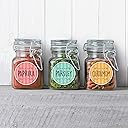
I purchased these to make labels for spice jars. I read reviews before buying them of people complaining that the template doesn't fit the labels. I'm pretty computer savvy and figured they were doing something wrong and I wouldn't have any problems. Wrong!!! I designed my labels using the online template and printed out a test sheet on a piece of paper and the labels overlapped each other. Nothing I tried would fix the issue. I read through reviews trying to find a resolution and someone posted to download the template instead of using the online version. That did it. So if you are having trouble with the labels not printing correctly, download the program. I had to adjust the printing down 1/16 and then the printing lined up pretty well for the first two rows but by the bottom of the sheet it was off around the edges. Because of the project I initially purchased them for which was labels for my spice jars, I wanted them pretty much perfect so I ended up printing three sheets. I adjusted it down a bit more and then the two middle rows lined up good and then adjusted it down a little more and the two bottom rows were good. I used them for another project making stickers for kids. This time I just did the 1/16 down adjustment and they lined up well enough since I wasn't as picky for this. I'm amazed that the Avery template for this label is so poor but hopefully using these tips you will have success. 5 stars for the labels, 2 stars for the template.
L**Y
Exactly what I wanted
Turned out perfect! I used the template maker on the Avery website (avery.com/templates). Just type in the template number “5293,” then download and print. In the print settings that pop up right before printing, be sure the scale is set to 100%. That was so much easier than I expected. The adhesive of the stickers is very good. Worked easily with my HP Envy printer.
G**O
Fornitura etichette Avery
Copnsegna veloce e puntuale. Prodotto ineccepibile
F**S
Excelente
Excelente. Puedes bajar los templates para imprimir desde la página de la marca.
M**Y
Quality
Very good product
A**R
Must know about Avery Labels
I print a lot of labels and thought I had things figured out, I was creating and setting up my labels using the templates included on WORD, they were usually out a bit and needed some adjusting, thought that was normal. Here two things that are a game changers! I get compliments all the time on how professional my labels look so hope these tips help. 1. Use the AVERY templates from their website, not only is this MUCH easier to use but also lines up perfectly every time, I’ll never go back to using WORD. also a good tip is… if the specific label # is not on Avery.ca it will be on Avery.com so set up an account on each, remember to save your templates on their website, this will save you so much time next time you print. 2. I create my labels in Canva, in the correct size, then add that file to the Avery website template, if you're not using Canva you are missing out, it’s super easy and even the free account has amazing templates at no extra cost. Happy labelling!!! Hope this helps.
M**Z
Buenas etiquetas
Las etiquetas se adhieren perfectamente, el único detalle es el precio ya que es algo elevado.
Trustpilot
1 week ago
2 weeks ago